Shapes and color
Where things go
The window’s top-left corner is 0 0. The first number of a position is how far to the right, the second how far down, in pixels. A window opened without a size, like the one a sketch gets when it never calls window, is 800 by 600.
The shapes
Every shape is written with labels that say what its numbers are:
circle at 120 100 radius 50 fill goldellipse at 300 100 size 140 70 fill goldrect at 60 200 size 120 80 fill goldsquare at 240 200 size 80 fill goldline from 380 40 to 520 160 stroke 0 thickness 3point at 450 260 stroke 0 thickness 10arc at 600 120 size 120 120 from 180 to 360 fill gold
circle at 120 100 radius 50 fill gold

ellipse at 300 100 size 140 70 fill gold

rect at 60 200 size 120 80 fill gold

square at 240 200 size 80 fill gold
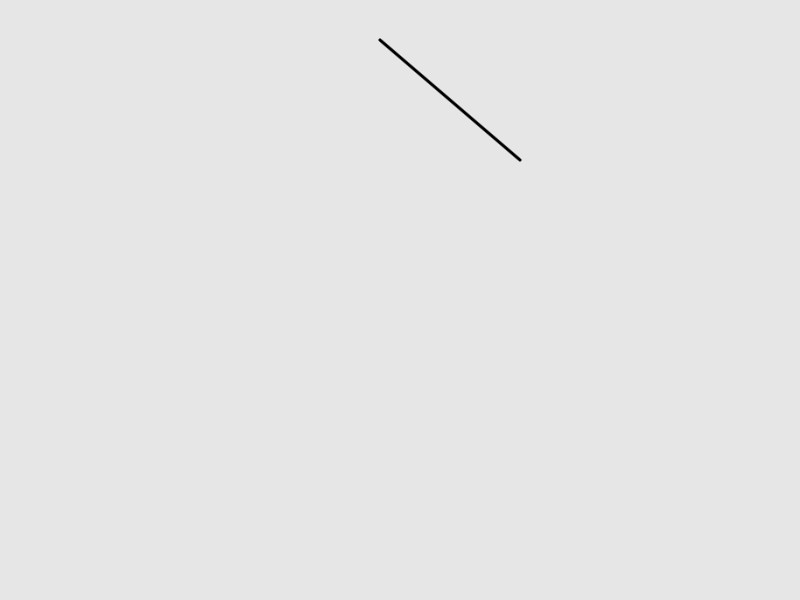
line from 380 40 to 520 160 stroke 0 thickness 3

point at 450 260 stroke 0 thickness 10

arc at 600 120 size 120 120 from 180 to 360 fill gold
A line and a point are drawn with the stroke, the color of outlines, and a new sketch starts with none, so these two give theirs: black, 3 and 10 pixels wide. Fill and stroke are below.
at takes two numbers or one vector, so a position kept in a name works the same:
fill goldcenter = { 200, 150 }circle at center radius 40
triangle and quad take their corners as vectors, in order around the shape:
fill goldtriangle { 100, 40 } { 180, 180 } { 20, 180 }quad { 220, 40 } { 360, 60 } { 340, 180 } { 240, 160 }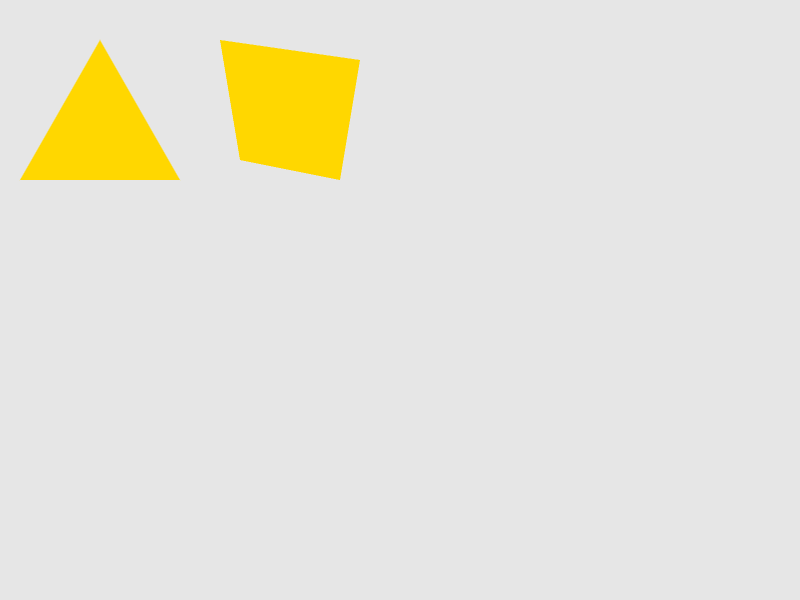
Circles, ellipses and arcs are placed by their middle; rectangles and squares by their top-left corner. as center or as corner after a shape’s numbers changes that for one shape:
fill goldrect at 200 150 size 120 80 as center
Fill and stroke
fill colors the inside of shapes, stroke the line around them, and thickness how wide that line is. Each lasts until it is changed:
fill goldstroke 40thickness 6circle at 100 100 radius 50square at 200 60 size 80no strokecircle at 360 100 radius 50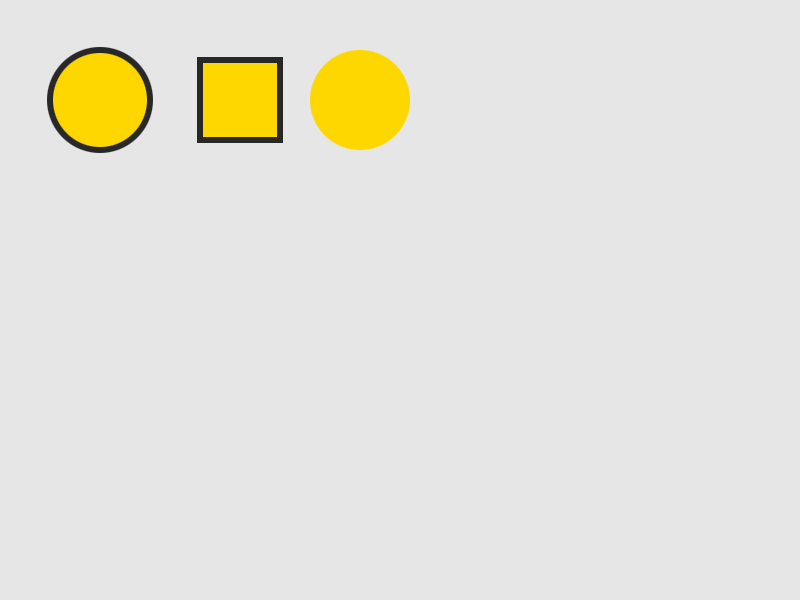
no fill and no stroke turn one off. A new sketch fills in white, with no stroke.
Colors
A color is a name from the CSS list (tomato, gold, skyblue, navy, …), a hex code (#ff8800), one number for a gray (0 black to 255 white), or made from numbers:
fill (rgb 255 136 0)circle at 60 100 radius 40fill (hsb 160 200 230)circle at 160 100 radius 40fill (oklch 0.7 0.15 250)circle at 260 100 radius 40fill (mix red blue 0.5)circle at 360 100 radius 40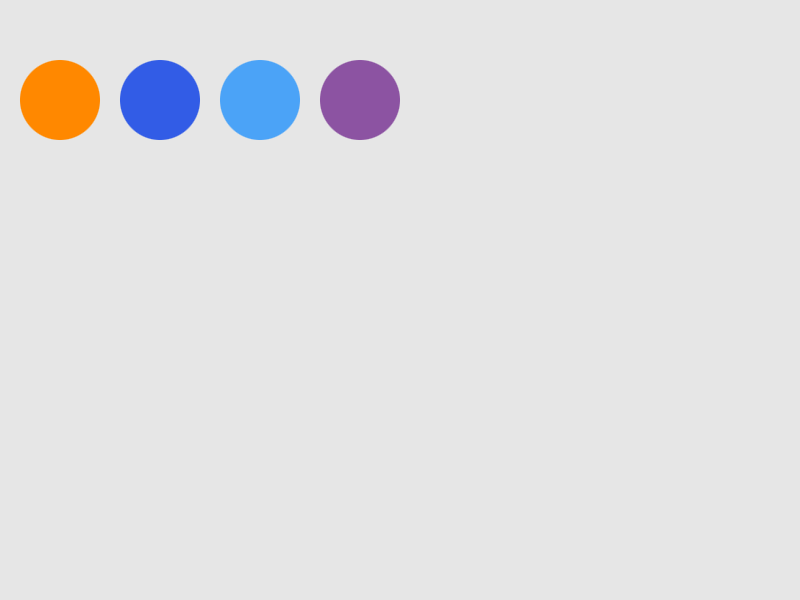
rgb, hsb and the gray number count from 0 to 255; oklch follows its CSS form. alpha says how solid things are, from 0 (gone) to 100 (solid):
fill tomatoalpha 50circle at 160 150 radius 80circle at 240 150 radius 80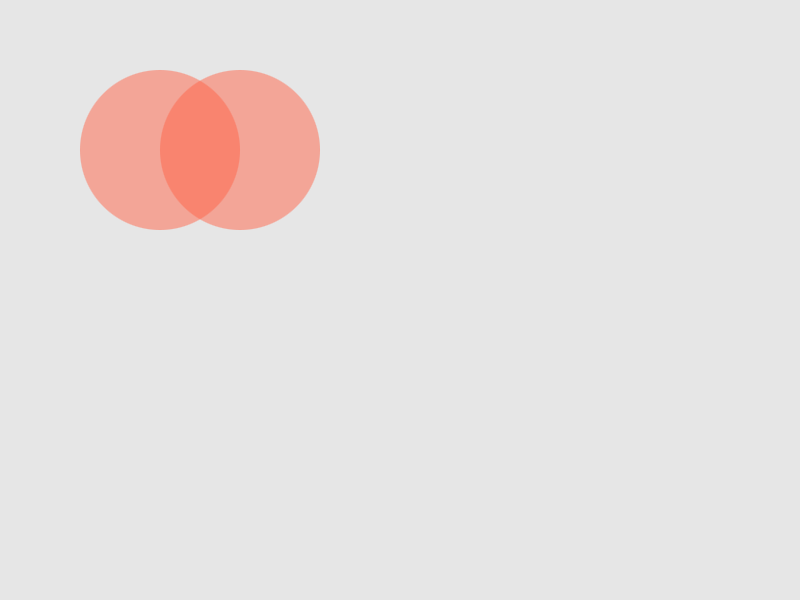
Styling one shape, or a group
The style words also work at the end of a single shape, for that shape only:
background 60circle at 100 100 radius 40 fill teal stroke white thickness 3circle at 220 100 radius 40
with styles a block of shapes and puts the style back afterwards:
background 60with fill gold stroke 30 thickness 4 [ circle at 100 100 radius 40 square at 180 60 size 80]circle at 340 100 radius 40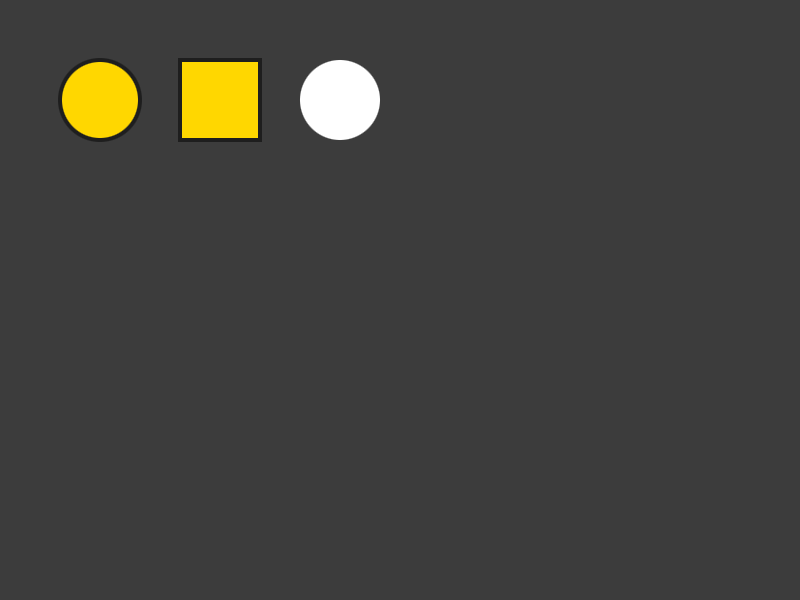
A style can be kept in a record and used again, with style on one shape or with with on a group:
background 60glow = { fill: skyblue, stroke: white, thickness: 3 }circle at 100 100 radius 40 style glowwith glow [ square at 180 60 size 80 ]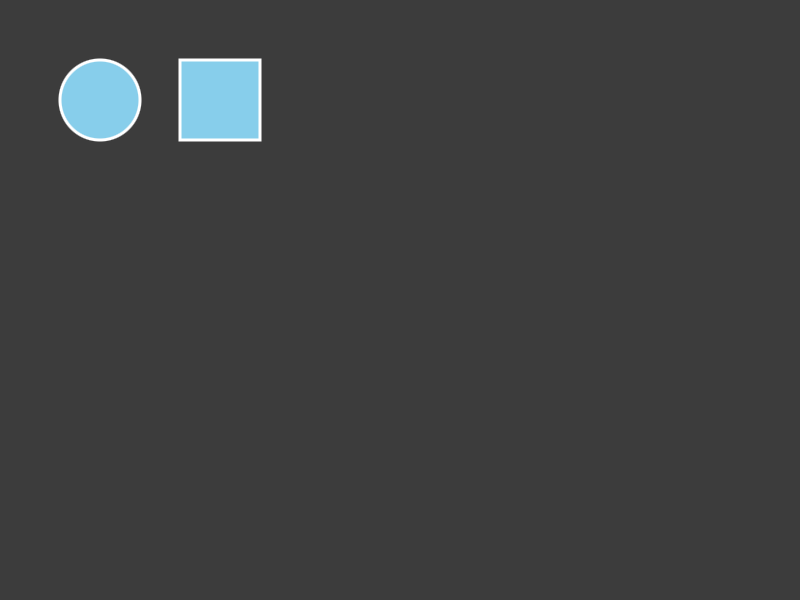
Gradients
A list of colors where a color goes makes a gradient, spread across the shape:
rect at 20 20 size 360 80 fill [ navy purple orange ]circle at 200 220 radius 70 fill (gradient [ white teal ] as radial)background (gradient [ (rgb 20 20 60) black ] angle 90)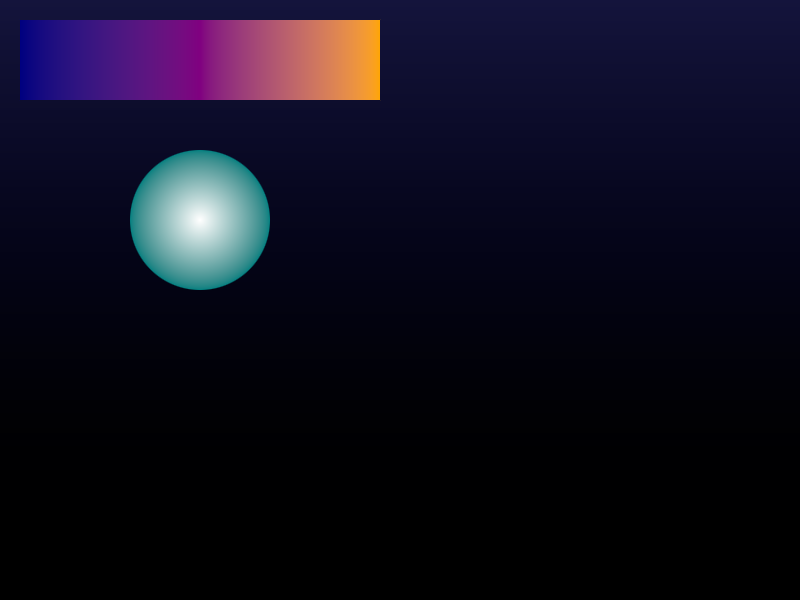
angle turns it (90 runs top to bottom), as radial and as conic make it round, and stops says where each color sits, in percent. Colors are mixed evenly by default; in rgb mixes them the older way.
// the same three colors: spread evenly, then with gold held back to 80 percentrect at 20 20 size 360 50 fill [ navy gold teal ]rect at 20 80 size 360 50 fill (gradient [ navy gold teal ] stops [ 0 80 100 ])// a conic gradient sweeps round the middlecircle at 90 220 radius 60 fill (gradient [ navy gold navy ] as conic)// blue to yellow mixed evenly, then the older wayrect at 180 170 size 200 40 fill [ blue yellow ]rect at 180 220 size 200 40 fill (gradient [ blue yellow ] in rgb)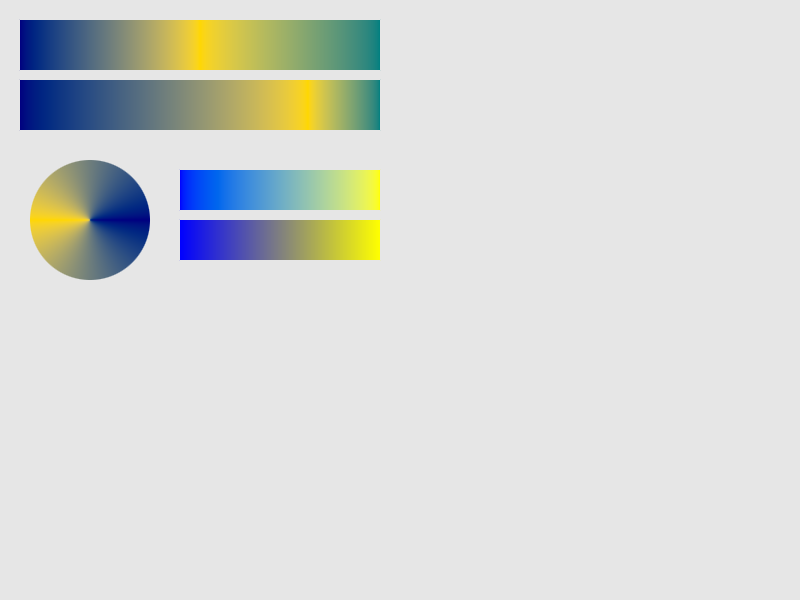
Line ends and corners
caps says how lines end (butt, round, square), and joins how outlines turn corners (miter, round, bevel):
stroke 30thickness 16caps roundline from 40 60 to 360 60joins roundno filltriangle { 100, 260 } { 200, 120 } { 300, 260 }