Pictures
A picture is a file in your sketch’s assets folder. load finds it by its file name and gives you the picture, and image draws it with its top left at a point:
photo = load "landscape.png"image photo at 40 50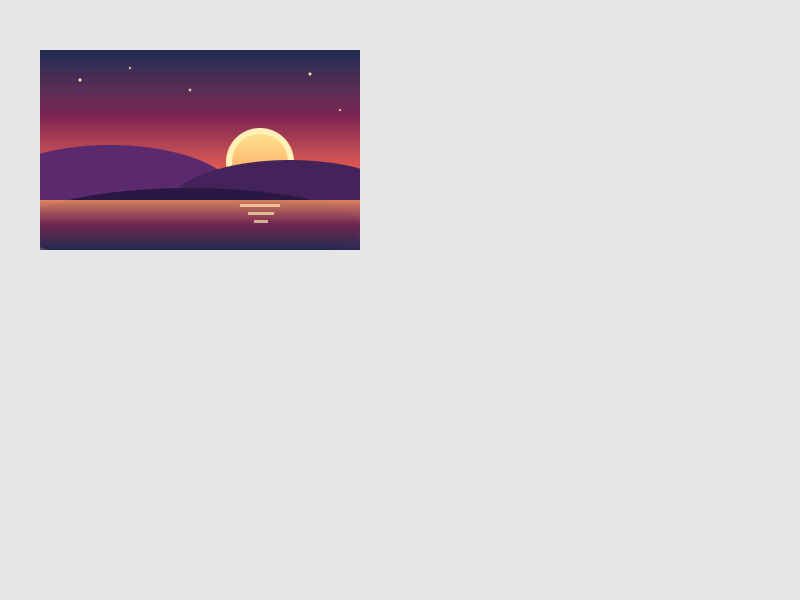
load reads PNG, JPEG, BMP, TGA and QOI files, looks through everything in assets (so landscape.png is found in assets/images), and keeps the picture, so loading the same name again costs nothing. roci add landscape.png copies a file into the right folder of your sketch. A file that changes while the sketch runs is read again.
How big
With nothing else, a picture is drawn at its own size. Give a width or a height and the other side follows, so the picture keeps its shape. Give a size and it is stretched to fit:
photo = load "landscape.png"background 245image photo at 10 10 width 180image photo at 210 10 height 60image photo at 10 130 size 100 150image photo at 130 130 size { 120, 80 }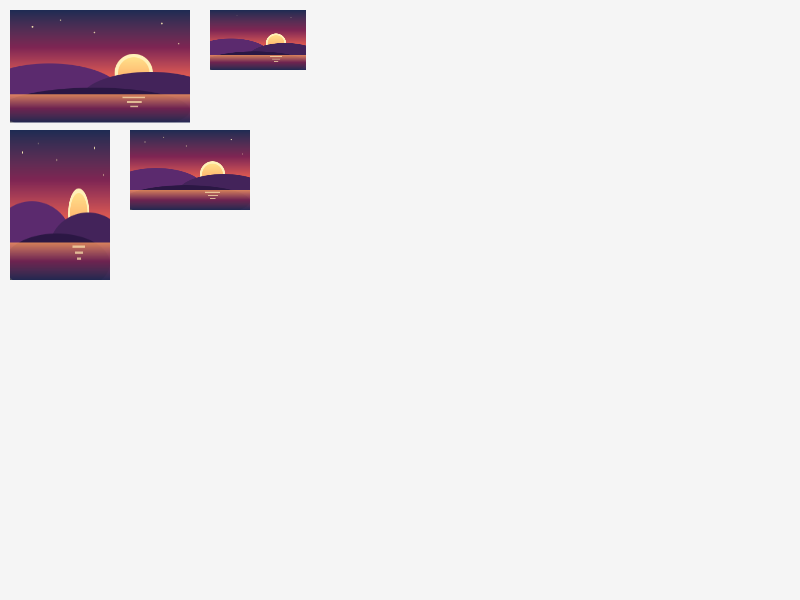
A picture knows how big it is: photo.width and photo.height are its size in pixels, which can be read and not changed. A picture is a value like a number, so it can be kept in a list or a record and given to a verb you teach.
Where it goes
The point after at is the top left corner of the picture. as center makes it the middle, which is what you want for something that turns:
badge = load "sprite.png"background 245for i from 1 to 4 [ push [ move (60 + i * 70) 150 turn (i * 25) image badge at 0 0 as center ]]
Pictures are moved, turned and grown by move, turn and grow like everything else.
Color and see-through
tint sets the color pictures are drawn through, from now on: each pixel’s color is multiplied by it, so white leaves a picture alone, a color tints it, and a color with an alpha makes the whole picture see-through. As a word of one image it applies to that picture only, and so does alpha:
photo = load "landscape.png"background 245image photo at 10 10 width 180image photo at 210 10 width 180 tint tealimage photo at 10 130 width 180 alpha 40tint (rgb 255 220 220)image photo at 210 130 width 180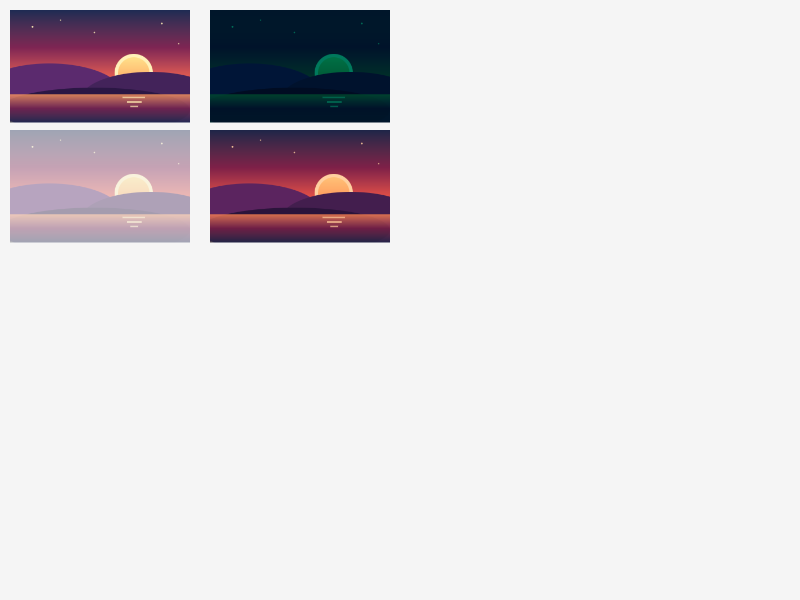
A picture’s own transparent pixels stay transparent, so a badge with clear corners shows what is behind it.
When a picture is not there
A name nothing answers draws nothing and says so once, and the sketch carries on:
A file that is not a picture, and two files with one name, are said the same way, with the folder to name in the second case.