reference / effects
effect
Runs a shader of your own over the finished window once everything is drawn, so it can warp, tint or blur the whole picture: effect "wave.hlsl". The file is found by its name in the sketch's assets folder, is written in HLSL and is read again when it changes, so you can edit it while the sketch runs. by gives it numbers, vectors and colors by name: effect "wave.hlsl" by { amount: 0.02 }. Effects run in the order they are written. A name with no extension is one that comes with rocinante and needs no file: blur, glow, pixelate, vignette, split, grain, gray and invert, each with values to give by by (effect "blur" by { amount: 12 }) and a start value for every one.
background 235colors = [ tomato gold seagreen steelblue orchid ]for i from 1 to 5 [ fill (item i of colors) rect at (20 + (i - 1) * 74) 40 size 60 220]effect "wave.hlsl" by { amount: 0.02, phase: time * 3 }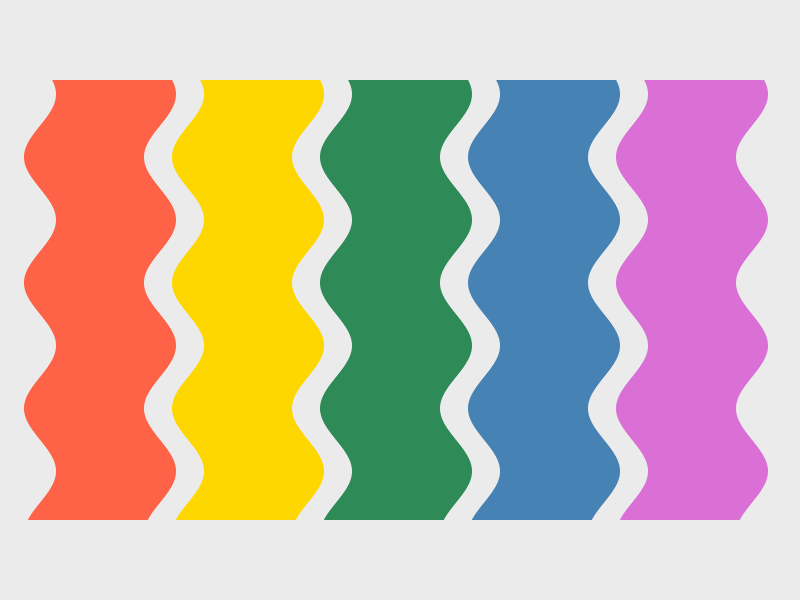
How to write it
effect shader [by record]