reference / interface
forget ui
Puts every widget of the window back to its start: sliders, check boxes, number and text boxes and lists go back to the value they start with (start, or the low end, off, empty or the first item), as if the sketch had just begun. A widget keeps its value while the sketch runs and reloads, so this is how a button resets them: if button "reset" [ forget ui ].
ui [ dot = slider "dot" 10 120 start 40 if button "reset" [ forget ui ]]draw [ circle at 300 160 radius dot ]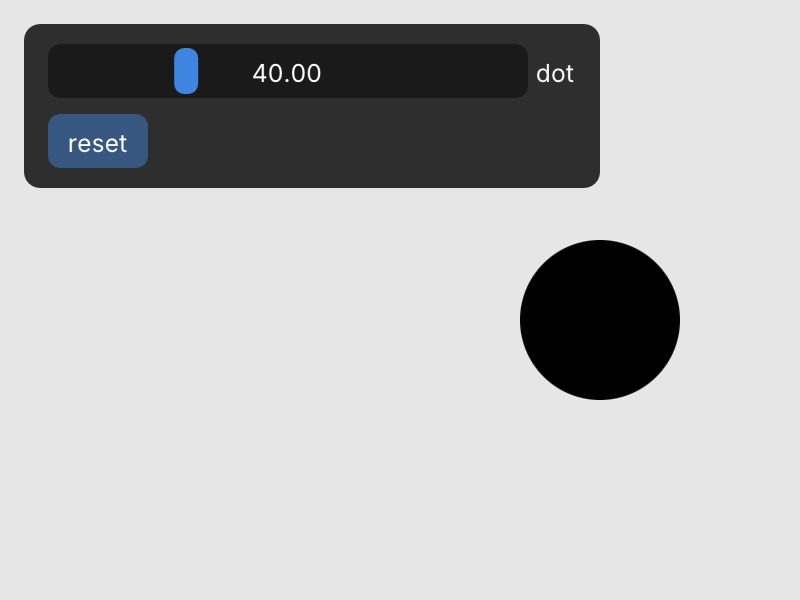
How to write it
forget ui