reference / interface
xypad
A square pad in a ui block that gives the place pressed on it as a vector, p.x across and p.y down, each from 0 to 1: place = xypad "place". It starts in the middle, or as start says (start 0.2 0.8), and keeps the place as the sketch reloads.
spot = { 0.5, 0.5 }ui [ spot = xypad "spot" ]draw [ circle at (spot.x * width) (spot.y * height) radius 20 ]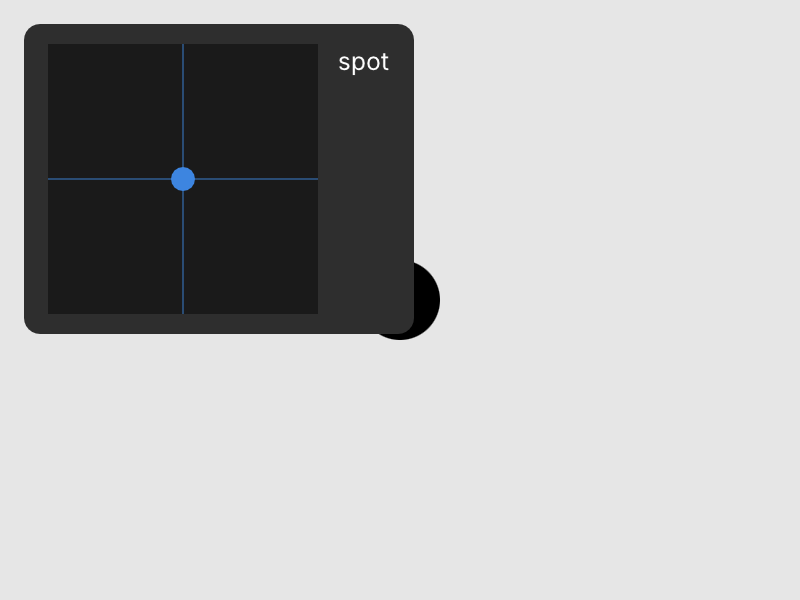
How to write it
xypad text [start number number] [at number number] [width number]
Gives vector.